
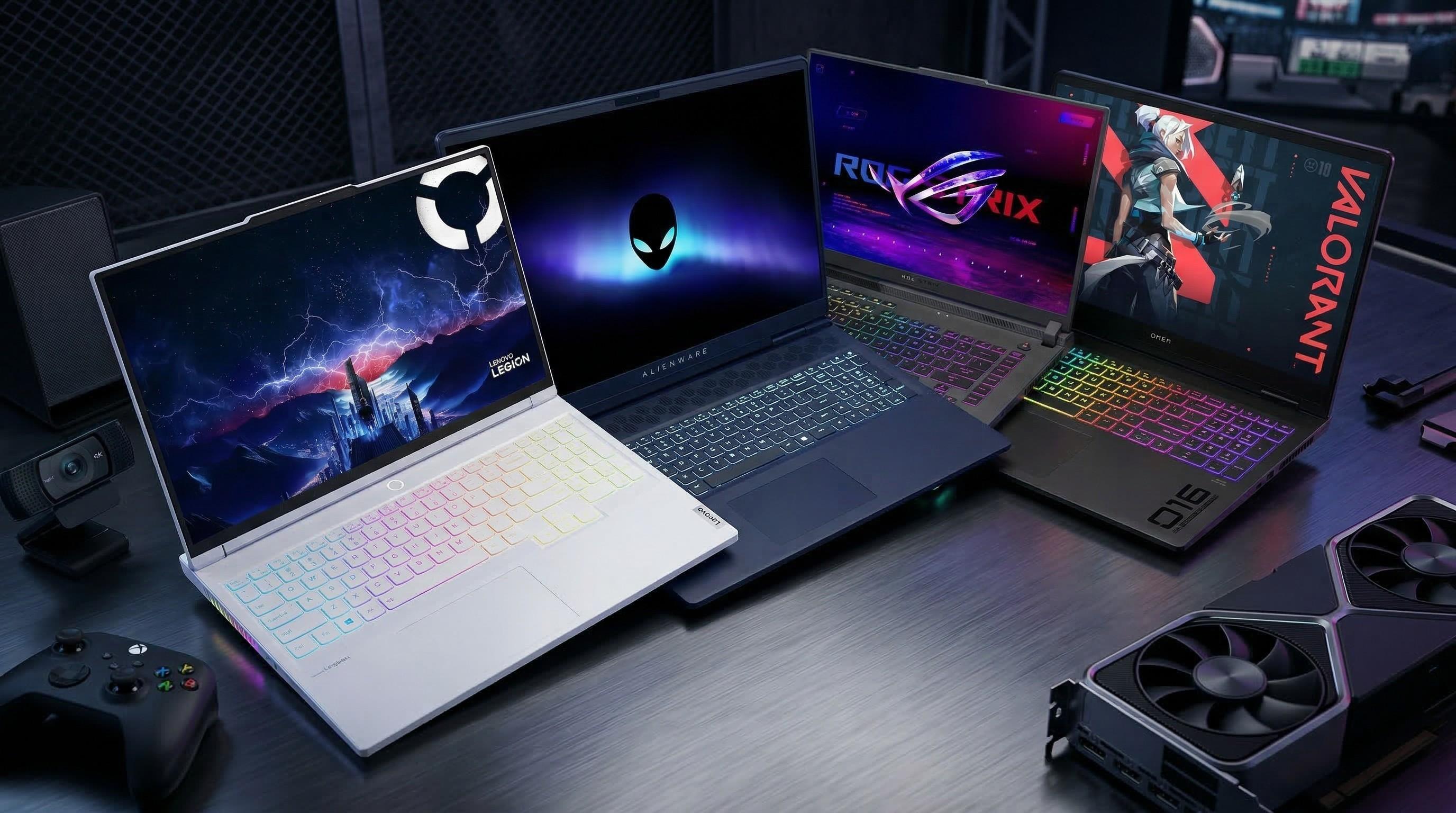
This article contains affiliate links. If you purchase through these links, we may earn a commission at no additional cost to you. This helps support our website and allows us to continue creating free content. Our recommendations are based on our independent research and editorial standards.
Gaming is about more than playing the latest releases. From building virtual worlds and experimenting with game design to streaming, creating digital art, and exploring interactive experiences, modern gaming often combines entertainment with creativity. Having the right hardware can make these activities more enjoyable, whether you are an aspiring developer, a content creator, or a passionate gamer.
Hamburg will host the 19th PLAY – Creative Gaming Festival from November 18 to 21, 2026. Under the theme "Hey, listen! – Music & Emotion", PLAY26 explores the relationship between sound, creativity, and digital games through exhibitions, workshops, talks, and interactive experiences.
For anyone inspired to upgrade their gaming setup, expert is worth exploring. Its electronics range includes gaming laptops, monitors, headsets, keyboards, mice, and other accessories from established technology brands. This guide looks at the hardware categories creative gamers should consider and how to build a setup suited to different gaming and creative needs.
What Makes PLAY26 Interesting for Creative Gamers?

PLAY26 is a festival celebrating the creative possibilities of digital games rather than a traditional gaming hardware trade show. It brings together interactive exhibitions, creative workshops, game development activities, talks, and community events.
The 2026 theme, "Hey, listen! – Music & Emotion", focuses on how soundtracks, audio design, and interactive music influence gaming experiences. Visitors can explore creative gaming installations, experiment with digital tools, and discover how games can be used as artistic and educational mediums.
The festival's programme includes:
Interactive exhibitions: Discover games and media artworks that explore creative approaches to digital play.
Creative Gaming Studio: Experiment with activities involving music, coding, worldbuilding, and other creative formats.
Workshops and talks: Learn about game design, sound, digital culture, and creative methods.
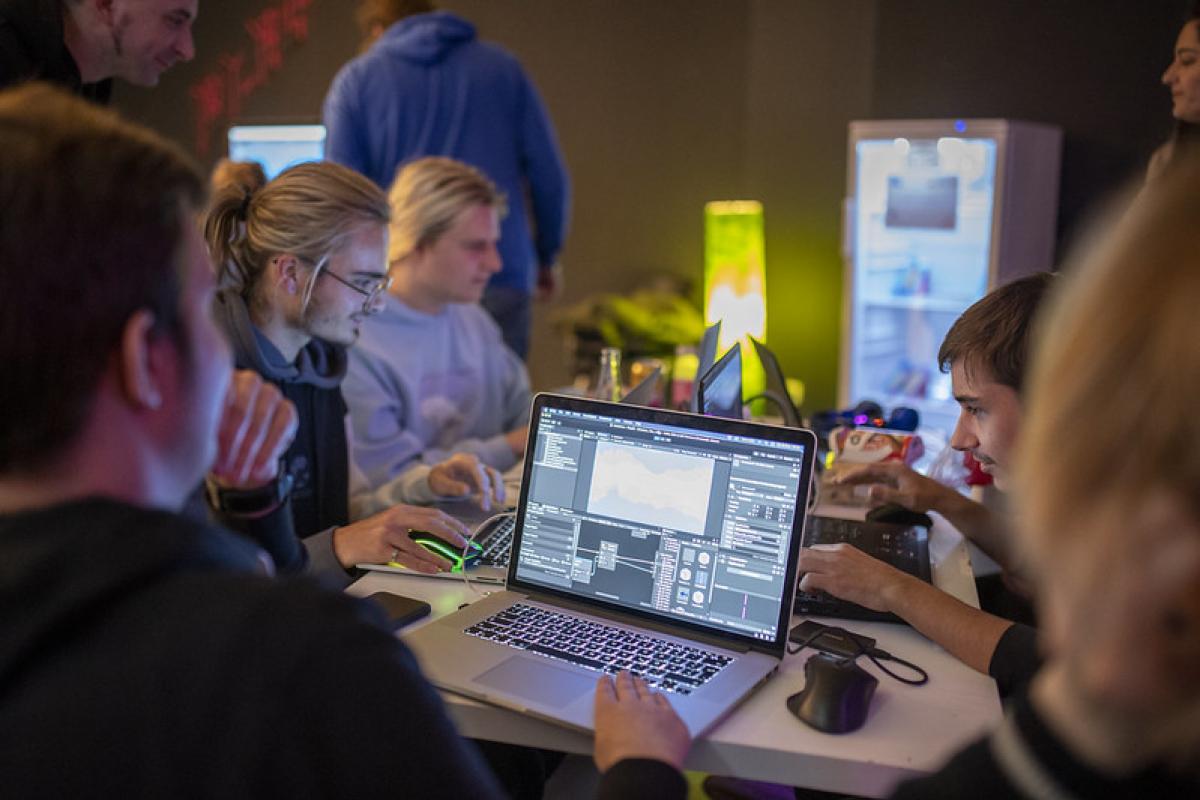
Game Jam: Take part in collaborative game creation and explore the development process.
Creative Gaming Awards: Discover selected games that encourage innovative and interactive experiences.
For gamers interested in exploring the technology behind these experiences, PLAY26 provides inspiration to think beyond conventional gaming. A suitable laptop, monitor, and set of peripherals can help turn that inspiration into personal projects.
Best Gaming Laptops at expert for Creative Gamers
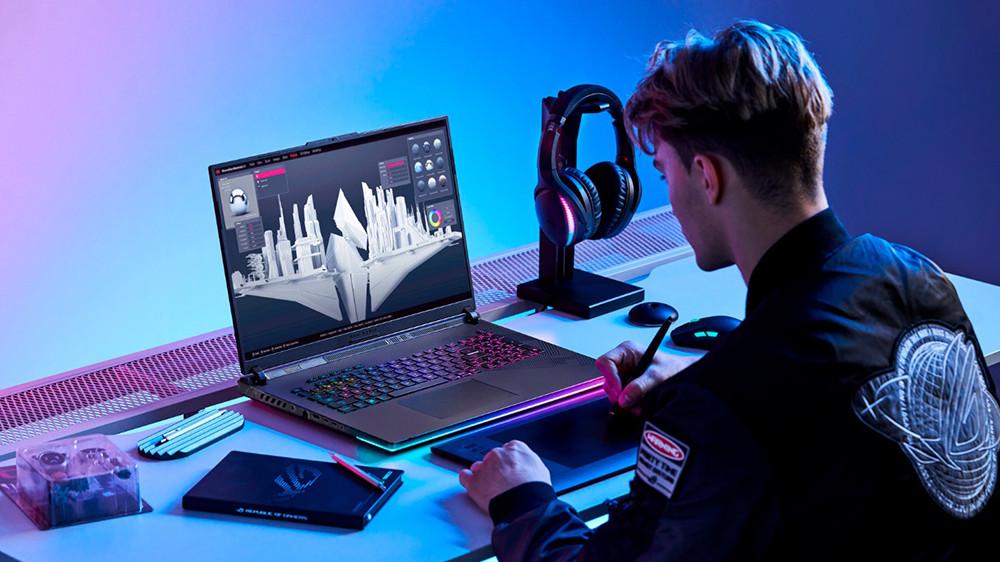
A gaming laptop is a practical option if you want strong performance without being tied to a permanent desktop setup. It can support gaming, video editing, digital illustration, programming, streaming, and other demanding applications.
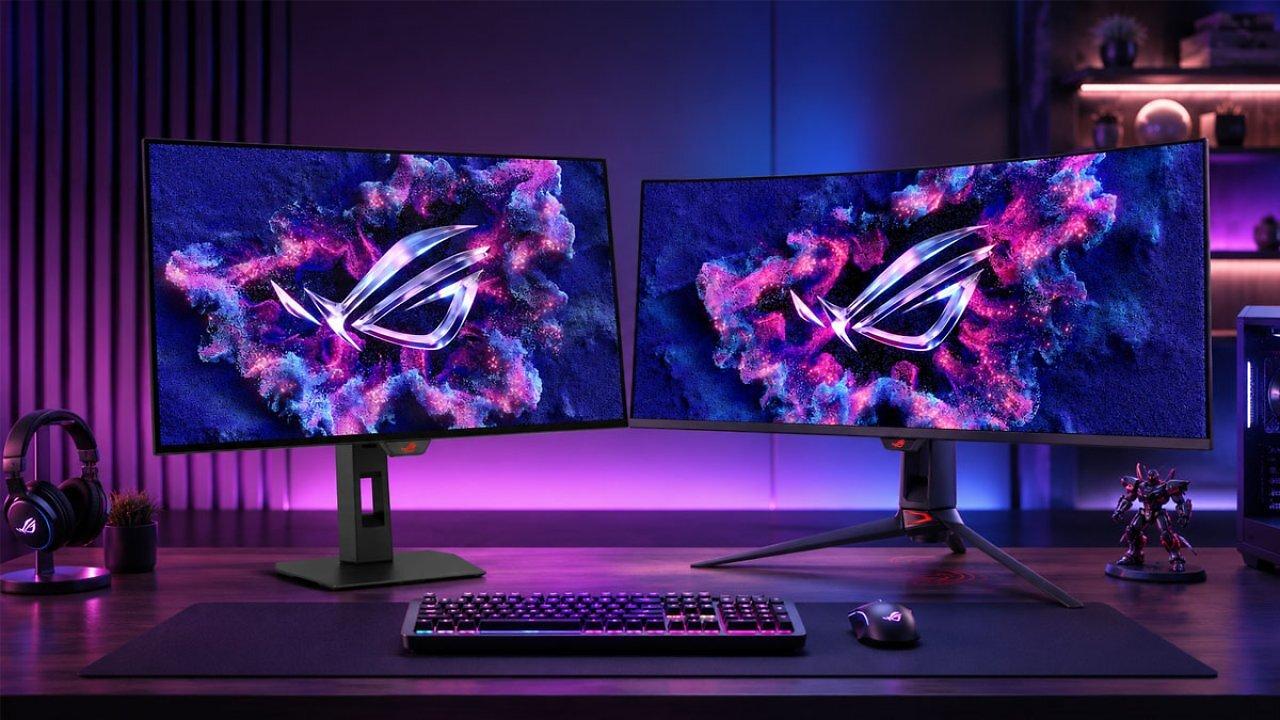
When exploring gaming laptops at expert, consider models from established manufacturers such as ASUS, Lenovo, Acer, MSI, and HP.
What to look for:
Graphics card: A dedicated NVIDIA GeForce RTX or AMD Radeon GPU can support demanding games and GPU-accelerated creative applications.
Processor: Look for a modern Intel Core or AMD Ryzen processor suited to your games and creative software.
RAM: 16 GB is a sensible starting point for many gaming setups, while 32 GB can be useful for heavier multitasking and creative workloads.
Storage: An SSD provides faster loading and file access. Consider 1 TB if you plan to install several large games and creative applications.
Display: Compare resolution, refresh rate, colour reproduction, and screen size.
Cooling: Effective thermal management matters during extended gaming or rendering sessions.
Gaming Laptops for Different Needs
An entry-level gaming laptop can suit casual gaming, indie titles, and everyday creative projects. Mid-range configurations offer more flexibility for modern games and multitasking, while higher-performance models are worth considering for demanding titles, advanced editing, and 3D work.
For example, Lenovo Legion and LOQ, ASUS ROG and TUF Gaming, Acer Predator and Nitro, MSI gaming laptops, and HP OMEN models are product families worth comparing. Exact specifications differ between configurations, so check the graphics card, processor, memory, and display of each individual model.
Best Gaming Monitors at expert for Immersive Gameplay and Creation
A dedicated gaming monitor can make a noticeable difference to both gameplay and creative work. A higher refresh rate can provide smoother motion, while a well-calibrated display can help when editing images, creating artwork, or working with video.
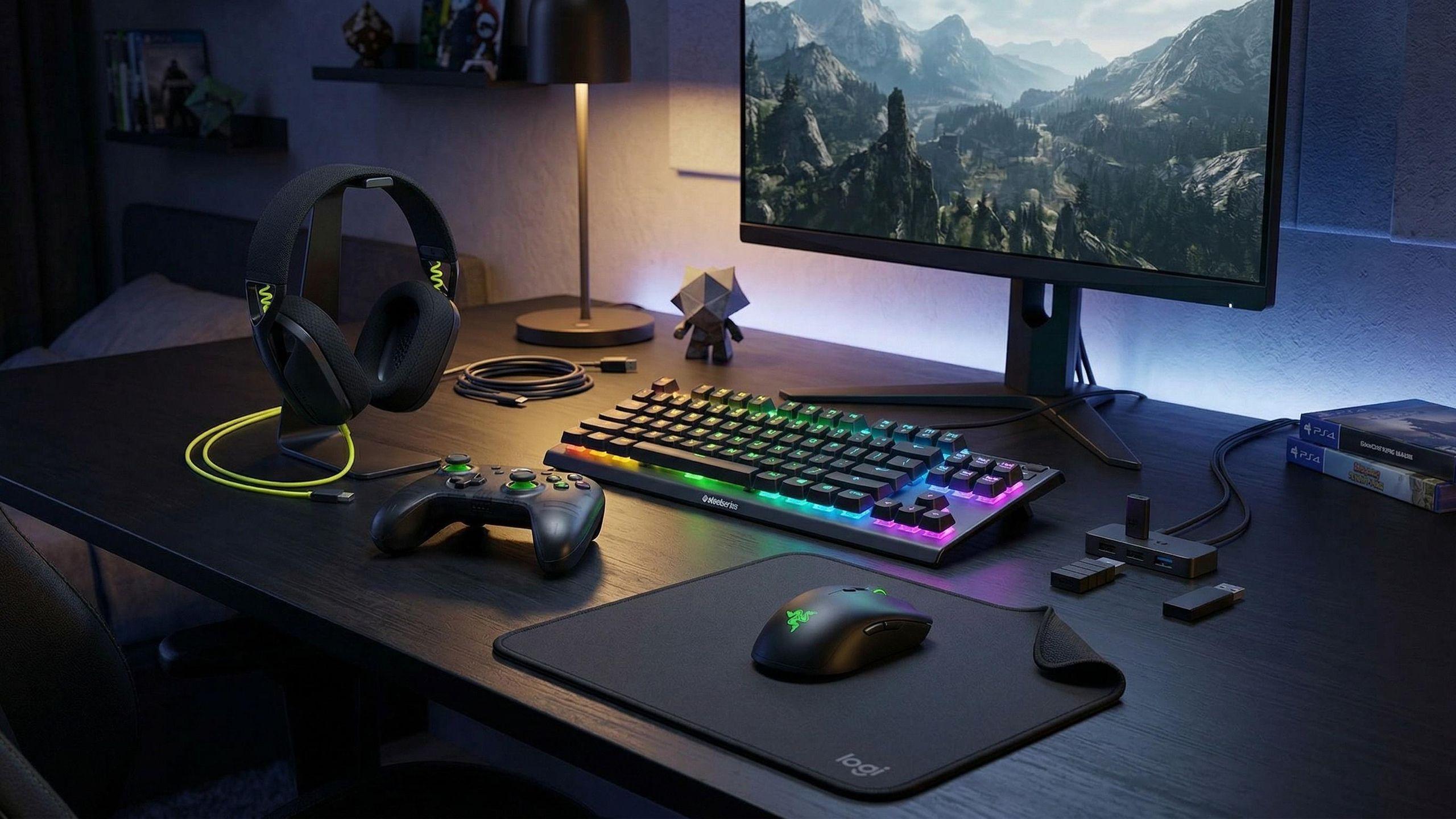
When comparing gaming monitors, consider these features:
Resolution: Full HD can suit smaller screens and budget setups, while QHD and 4K offer greater detail.
Refresh rate: 144 Hz or higher can be useful for fast-paced competitive games.
Response time: Lower response times can help reduce visible motion blur.
Panel technology: IPS panels are often attractive for colour and viewing angles, while OLED monitors offer strong contrast and deep blacks.
Adaptive sync: NVIDIA G-SYNC or AMD FreeSync compatibility can help reduce screen tearing.
Colour coverage: Important for creators who work with photography, video, and digital artwork.
ASUS ROG, Samsung Odyssey, LG UltraGear, Acer Predator, and MSI gaming monitors are worth exploring at expert. The right choice depends on whether your priority is competitive gaming, immersive single-player experiences, or creative productivity.
Best Gaming Accessories at expert
A gaming setup is only as comfortable and functional as its supporting accessories. The right peripherals can improve control, communication, and the overall experience of playing or creating.
Gaming Keyboards
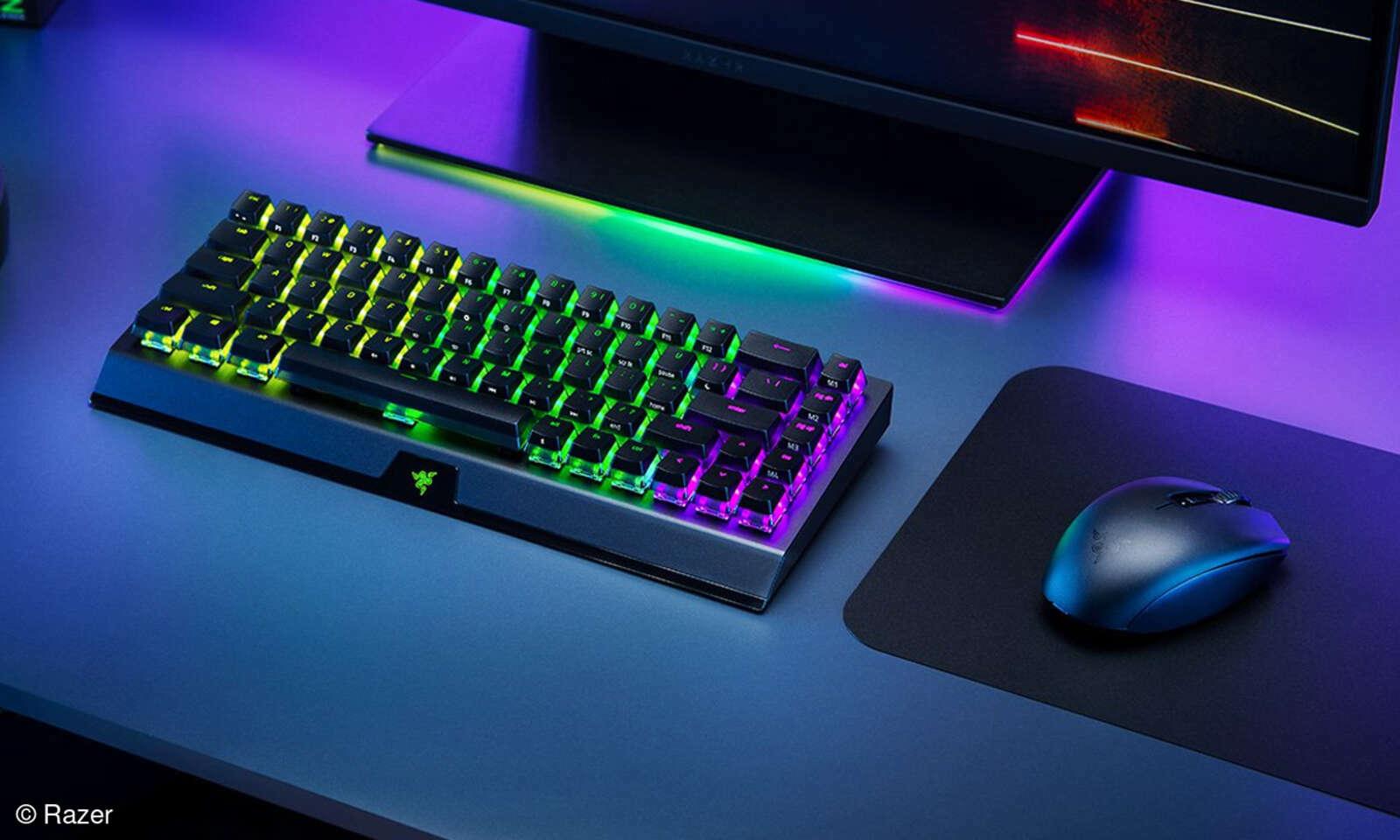
A gaming keyboard can provide responsive controls and a more comfortable typing experience. Mechanical keyboards are popular for their tactile feedback and switch options, while compact layouts can free up desk space for mouse movement.
Compare switch types, keyboard layout, connection options, key rollover, and customisation features before choosing.
Gaming Mice
A suitable gaming mouse can improve precision and comfort, particularly in competitive games and creative applications. Consider sensor performance, adjustable DPI, programmable buttons, weight, grip style, and wired or wireless connectivity.
Lightweight designs can appeal to players who make frequent movements, while additional programmable buttons may be useful for strategy games and productivity shortcuts.
Gaming Headsets
Sound is especially relevant to the PLAY26 theme. A good gaming headset can help you hear environmental details, communicate with teammates, and enjoy music and sound design more clearly.
Look for comfortable ear cushions, microphone quality, audio performance, connection type, and compatibility with your gaming platform. Wireless models offer more freedom of movement, while wired headsets avoid battery concerns.
Controllers and Other Accessories
Controllers can be useful for racing games, platformers, and titles designed around gamepad input. Other useful additions include mouse pads, laptop cooling stands, USB hubs, webcams, and external storage devices.
Prioritise accessories that address a genuine need in your setup rather than buying every available gaming extra.
Building a Creative Gaming Setup: Laptop, Monitor and Accessories
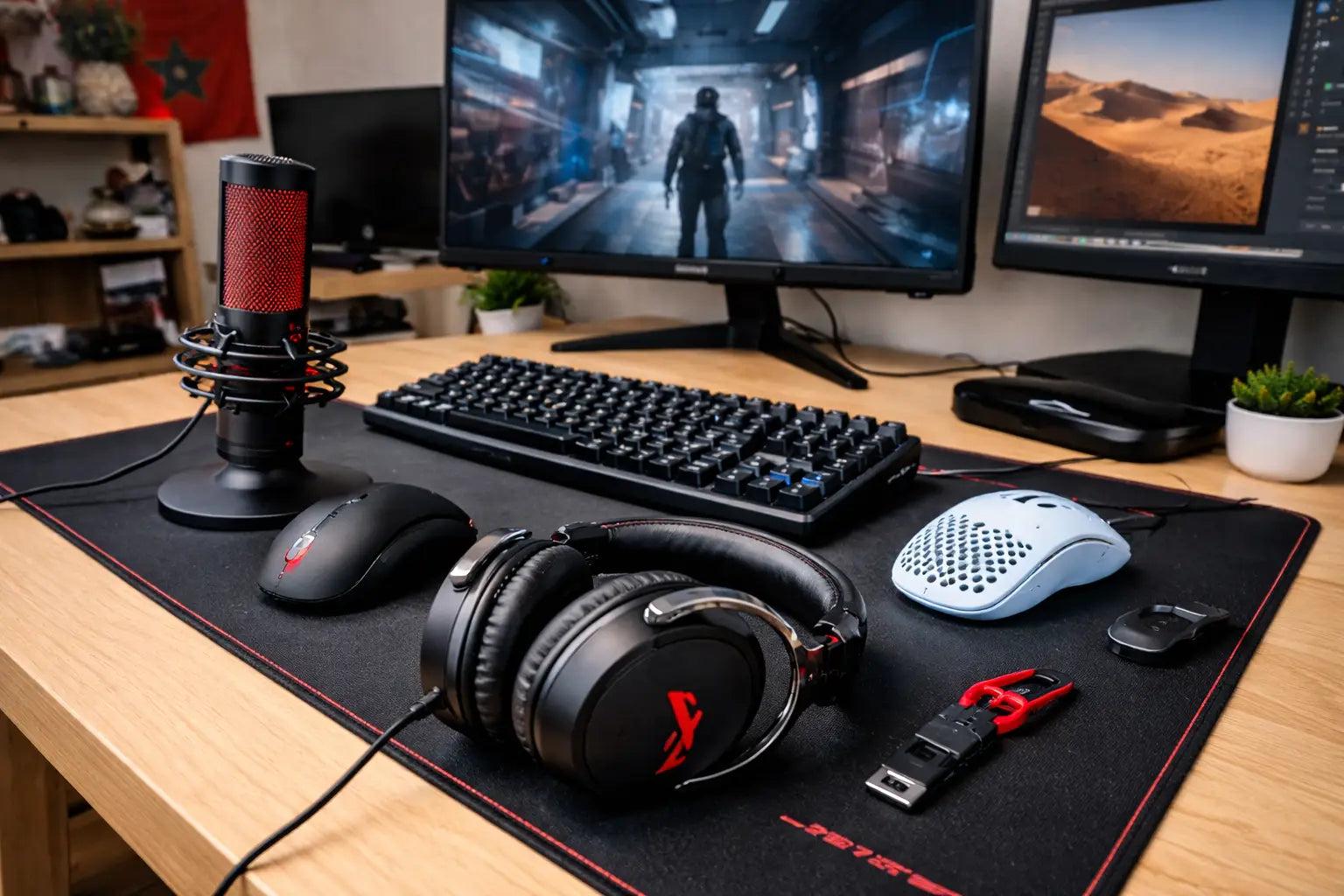
If you want to create a setup that supports both gaming and creative projects, consider how your devices will work together.
Setup Component | What to Consider | Best Suited For |
|---|---|---|
Gaming laptop | Dedicated GPU, modern processor, sufficient RAM | Gaming, editing, development |
External monitor | QHD or 4K resolution, colour quality, refresh rate | Gaming and visual creation |
Gaming keyboard | Comfortable layout and responsive switches | Gaming and coding |
Gaming mouse | Accurate sensor and ergonomic design | Gaming, design, productivity |
Headset | Clear audio and comfortable fit | Gaming, streaming, sound work |
External SSD | Fast storage and sufficient capacity | Game libraries and creative files |
A laptop-only setup is a good starting point if portability matters most. Adding an external monitor, keyboard, and mouse can create a more comfortable workstation at home without losing the flexibility of a mobile computer.
For music-focused creative work, consider audio quality and connectivity too. A good headset can be useful for gaming, but anyone producing music or working with detailed sound may eventually benefit from dedicated studio headphones or audio equipment.
How to Choose the Right Gaming Hardware at expert
The best gaming equipment depends on your budget, preferred games, and creative ambitions. Before shopping, think about how you will use each component.
Define your main purpose: Competitive gaming, game development, streaming, video editing, and digital art have different hardware requirements.
Set a realistic budget: Decide how much you want to spend on the laptop and reserve some budget for essential peripherals.
Prioritise the GPU and processor: These components have a significant influence on gaming and demanding creative workloads.
Check compatibility: Make sure monitors, headsets, controllers, and accessories work with your laptop and operating system.
Consider portability: Choose a lighter laptop if you frequently travel, attend workshops, or work in different locations.
Compare warranties and returns: Review product conditions and support options before purchasing.
It is also worth checking whether a laptop offers upgradeable RAM or storage. This can provide more flexibility if your creative projects become more demanding over time.
Why Explore Gaming Technology at expert?
expert is a useful destination for comparing electronics and gaming equipment from different manufacturers. Its range includes computers, monitors, audio products, and accessories that can help you build or improve a gaming setup.
Reasons to explore expert include:
Different gaming categories: Compare laptops, monitors, headsets, keyboards, mice, and related accessories.
Established manufacturers: Explore gaming hardware from ASUS, Lenovo, Acer, MSI, HP, Samsung, LG, and other brands.
Online product comparison: Review specifications and available configurations before deciding.
Local specialist retailers: Check product availability at nearby expert stores.
Product advice: Local specialist retailers can help with questions about compatibility and choosing suitable equipment.
If you are planning a complete setup, comparing several components together can help you avoid unnecessary purchases and identify where an upgrade will make the biggest difference.
When and Where Is PLAY26 Creative Gaming Festival 2026?
PLAY26 takes place in Hamburg from November 18 to 21, 2026. The festival returns to URBANEO – Junges Architekturzentrum in HafenCity, with exhibitions, workshops, talks, and interactive formats.
The 2026 theme is "Hey, listen! – Music & Emotion", exploring how music and sound shape digital gaming experiences. Visitors can discover creative games, participate in activities, and learn more about the artistic and educational potential of gaming.
PLAY26 is a creative gaming festival, not a dedicated hardware shopping event. If the festival inspires you to upgrade your equipment, you can explore gaming laptops and accessories separately through expert's product range.
FAQs About expert Gaming Laptops and Accessories
Does expert sell gaming laptops?
Yes. expert offers computers and gaming-related technology, with gaming laptop options depending on current stock and retailer availability. Compare specifications and configurations before purchasing.
Which gaming laptop brands should I consider?
ASUS ROG, Lenovo Legion, Acer Predator, MSI, and HP OMEN are established gaming laptop families worth comparing. Choose according to your performance requirements and budget.
What monitor is best for gaming and creative work?
A QHD monitor with a high refresh rate can offer a good balance for many users. If colour accuracy and detailed visual work are priorities, compare colour coverage, calibration options, and 4K or OLED models.
What accessories do I need for a gaming setup?
A gaming mouse, keyboard, and headset are useful starting points. You can add a dedicated monitor, controller, mouse pad, and external storage depending on your preferred games and creative activities.
When does PLAY26 take place in Hamburg?
PLAY26 runs from November 18 to 21, 2026, at URBANEO in Hamburg's HafenCity. The festival features creative gaming exhibitions, workshops, talks, and interactive activities.
Final Thoughts
PLAY26 offers an exciting opportunity to explore gaming as a creative medium, from interactive sound experiences and digital art to game development and collaborative projects. For anyone inspired to take their own gaming or creative work further, having suitable hardware can make a real difference.
Whether you need a powerful gaming laptop, a high-refresh-rate monitor, or practical accessories such as a headset and mechanical keyboard, expert is worth exploring for different setup options. Compare specifications, consider your creative goals, and choose equipment that supports the way you play, work, and create.
Written By